Manage and Secure Android Devices from One Centralized Platform
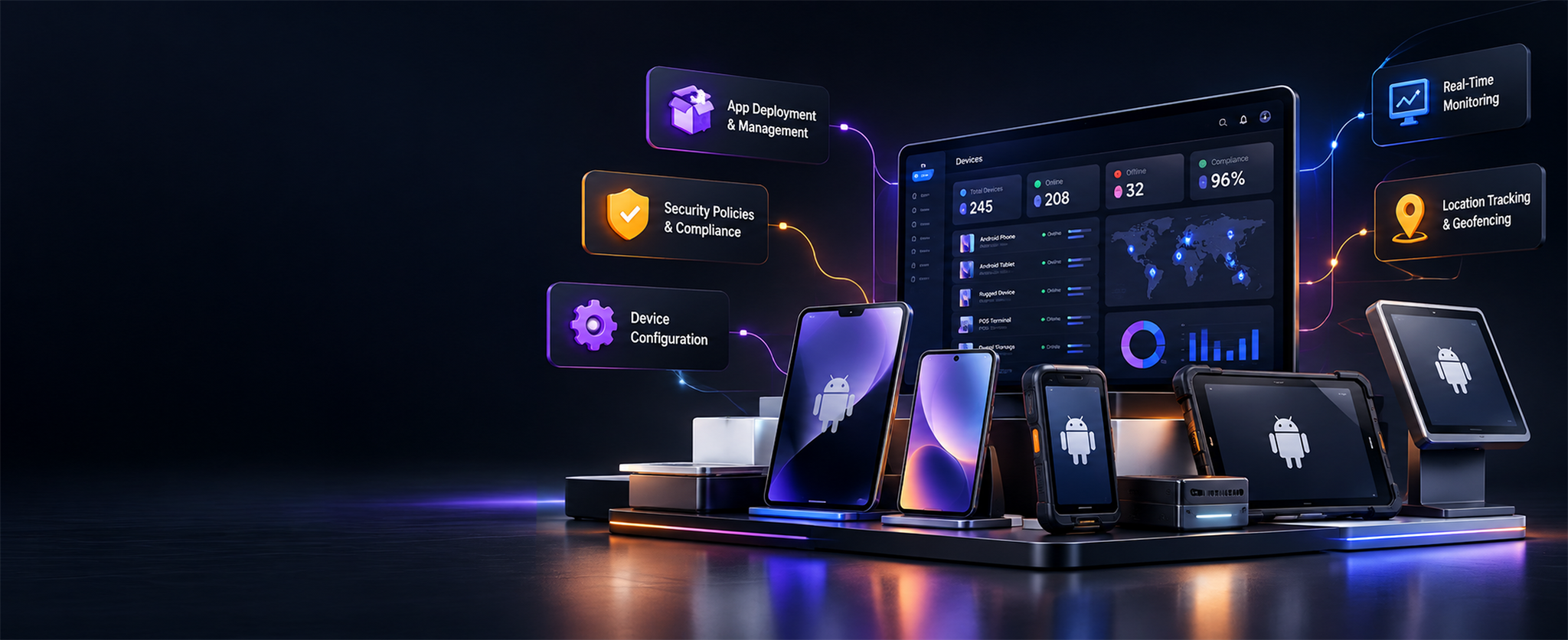
Simplify the way your organization deploys, monitors and manages Android devices. Device Management System helps IT teams manage device configurations, applications, security policies and device status from a centralized management environment.
Enterprise Mobile & Endpoint Control
Device Management System is an enterprise device management platform designed to help organizations manage mobile and endpoint devices throughout their lifecycle. It brings device provisioning, application management, security enforcement, remote support and monitoring into a centralized workflow, helping IT teams maintain visibility and manage devices more efficiently.
Comprehensive Controls for Your Device Fleet
Explore eight core capabilities designed to give IT administrators centralized control and visibility.
Centralized Device Monitoring and Management
View and manage enrolled devices from a central dashboard.
Device Enrollment and Provisioning
Prepare devices with required applications, settings and policies before assignment.
Application Deployment and Updates
Distribute approved business applications and manage updates remotely.
Kiosk Mode and Digital Signage
Configure supported devices for dedicated business use, including kiosks, POS terminals and digital signage.
Device Security and Policy Enforcement
Apply device restrictions and security settings according to organizational requirements.
Asset Tracking and Location Monitoring
Maintain visibility into device inventory and location information where supported and enabled.
BYOD Work Profile Management
Support work-profile use cases that separate business information from personal use on supported Android devices.
Remote Support and Troubleshooting
Help IT teams diagnose supported device issues without always requiring an onsite visit.
Manage the Device Lifecycle
A unified five-stage lifecycle covering initial registration through secure decommissioning.
Enroll
Register devices through supported enrollment methods.
Provision
Configure applications, network settings and policies.
Deploy
Assign configured devices to employees, teams or specific business functions.
Manage
Monitor status, apply policies, update applications and troubleshoot issues.
Retire
Remove organizational access and business data according to the approved retirement process.
Designed for Business Device Use Cases
Company-owned Android devices
Employee devices using supported work-profile or BYOD configurations
Dedicated devices and kiosk deployments
Point-of-sale and frontline devices
Digital signage and supported Android endpoints
Measurable Outcomes for IT Operations
Centralized visibility into managed devices
More consistent application deployment and configuration
Reduced manual effort for routine device administration
Greater control over device policies and approved applications
A more structured approach to device lifecycle management
Enterprise Technology Stack
The Annular corporate brochure lists the following technology stack for the device management project.
React.js
Responsive administrator console and fleet management portal.
Java, Spring Boot and REST APIs
Backend services and APIs for device management workflows.
PostgreSQL
Relational database for device records and management data.
Android
Mobile platform for supported device management capabilities.
Common Questions
Find answers to common questions about device management and supported deployment scenarios.
Bring Your Android Device Fleet Into View
Looking to improve visibility and control across your Android device fleet? Contact Annular to discuss your device management requirements.
Have a product requirement or want to learn more?
Contact Annular Technologies to discuss the product, confirm available capabilities and explore a suitable next step.